This article walks you through 7 powerful yet Budget-Friendly Smart Home Hacks projects, each guiding you from basic to moderately advanced builds—all using components like Raspberry Pi, ESP32, Arduino, PIR motion sensors, relays, and a few lines of code.
⚠️Disclaimer:
Working with electricity involves serious risk. Ensure you have the necessary skills and take proper safety precautions before attempting any electrical projects. Proceed at your own risk — the author assumes no responsibility for any damage, injury, or issues resulting from the use or misuse of the information provided.
All content on this website is original and protected by copyright. Please do not copy or reproduce content without permission. While most of the resources shared here are open-source and freely accessible for your learning and benefit, your respect for our intellectual effort is appreciated.
If you find our tutorials helpful, consider supporting us by purchasing related materials or sharing our work — it helps keep the content flowing.
Need help or have questions? Leave a comment below — the author is always happy to assist!
In a world rapidly leaning into automation and convenience, smart homes are no longer just a tech luxury—they’re becoming a lifestyle. But here’s the kicker: You don’t need to spend thousands to get started. With open-source hardware, community-driven designs, and affordable modules available online, you can build a feature-packed smart home system with just a few bucks and a bit of creativity.
Transform your living space into a futuristic smart home using budget-friendly tools like Raspberry Pi, Arduino, and sensors—no deep pockets required!
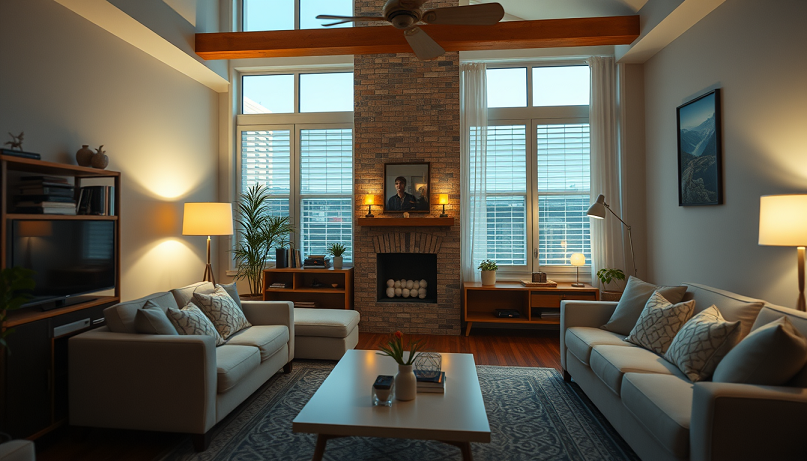
Table of Contents
🏠 Why Build a Budget Smart Home?
While commercial smart home solutions like Google Nest, Amazon Alexa, and Samsung SmartThings offer convenience, they often come with a high price tag and limited flexibility. DIY setups offer:
- Total Customization – Tailor it to your exact needs.
- Low Cost – Build smart solutions at 1/10th the price.
- Privacy & Control – No cloud-based tracking or third-party dependencies.
- Learning & Fun – Gain hands-on skills in electronics, coding, and automation.
Now, let’s unlock 7 awesome, low-cost ways to make your home smart.
🔌 1. Smart Light Automation with Motion Sensors
💡 Project Overview:
Build a simple motion-detecting light system for hallways, bathrooms, or staircases. It only turns on when movement is detected and shuts off after a set time.

🧰 What You Need:
- ESP8266 (NodeMCU) or Arduino Uno
- PIR Motion Sensor (HC-SR501)
- Relay Module (1-channel)
- Light bulb or LED lamp
- Jumper wires, breadboard or perfboard
🔧 How It Works:
- When motion is detected, the PIR sends a signal to the microcontroller.
- The controller triggers the relay to power on the light.
- After a preset delay (say, 30 seconds), it switches the light off if no further motion is detected.
💡 Upgrade Ideas:
- Add a light-dependent resistor (LDR) to only activate lights at night.
- Integrate Wi-Fi control using Blynk or Home Assistant.
Cost Estimate: Under $10
Skill Level: Beginner
Learning Outcome: Basic sensors, relay control, motion detection logic
🔐 2. DIY Smart Door Lock with Bluetooth Access
💡 Project Overview:
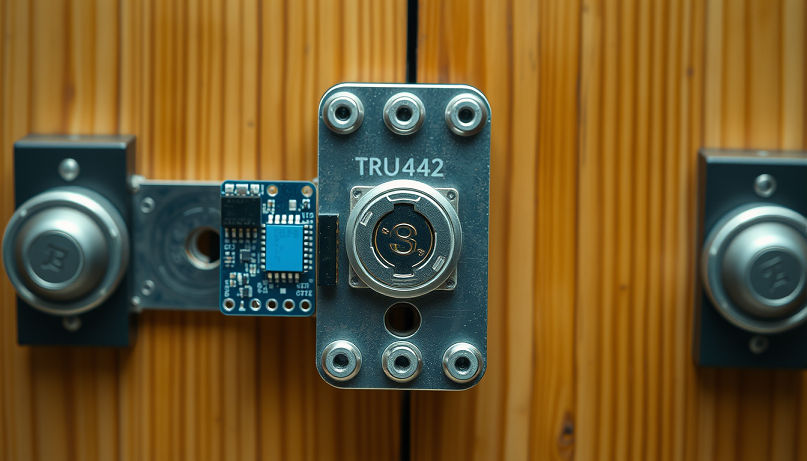
Forget keys—open your door with your smartphone using Bluetooth! Great for main entrances or bedroom doors.
🧰 What You Need:
- Arduino Nano or ESP32 (with Bluetooth)
- Servo Motor (SG90 or MG995)
- HC-05 Bluetooth module (if not using ESP32)
- Power source (5V adapter or battery)
- Basic wooden or plastic lock mechanism
🔧 How It Works:
- Your phone pairs with the device via a Bluetooth app (like Serial Bluetooth Terminal).
- A correct command triggers the servo motor to unlock.
- After a few seconds, the lock resets automatically.
💡 Upgrade Ideas:
- Add a keypad for backup access.
- Use facial recognition via ESP32-CAM for dual authentication.
Cost Estimate: $10–$12
Skill Level: Beginner to Intermediate
Learning Outcome: Wireless control, servo actuation, access systems
🌡️ 3. Smart Thermostat with Temperature Logging
💡 Project Overview:
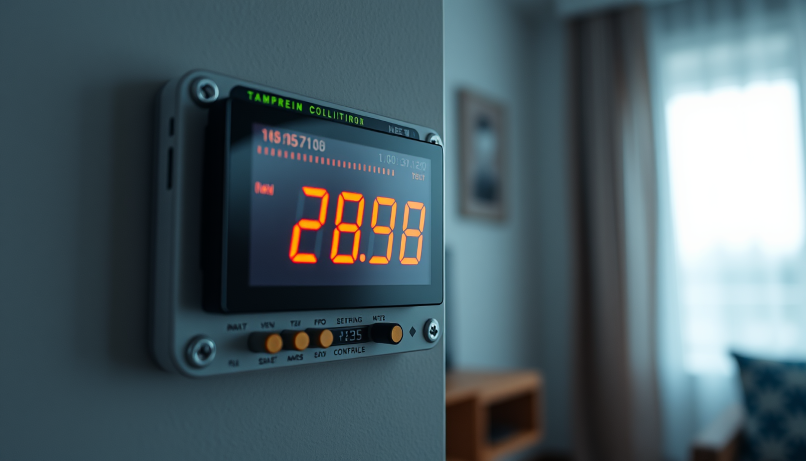
Build your own room temperature controller that not only shows real-time data but also logs and auto-controls fans or AC units.
🧰 What You Need:
- ESP32 or Raspberry Pi Zero
- DHT22 or BME280 sensor
- OLED Display (SSD1306)
- Relay module
- MicroSD card (for logging) or ThingSpeak API
🔧 How It Works:
- The sensor reads room temperature and humidity every few seconds.
- If values exceed a threshold, it triggers cooling devices.
- Logs temperature over time for insights.
💡 Upgrade Ideas:
- Add Wi-Fi integration and push data to a cloud dashboard.
- Include voice alerts with a buzzer module.
Cost Estimate: $12–$15
Skill Level: Intermediate
Learning Outcome: Sensor data collection, actuator control, data logging, dashboards
🎙️ 4. Budget Voice-Controlled Appliance Switch
💡 Project Overview:
Control lights, fans, or any AC appliance using voice commands through Google Assistant (via IFTTT and a webhook).

🧰 What You Need:
- ESP8266 (NodeMCU)
- Relay module
- IFTTT account
- Google Assistant-enabled device
🔧 How It Works:
- You speak a predefined command like “Turn on the fan.”
- Google Assistant triggers an IFTTT webhook.
- The ESP8266 receives the signal and turns the relay on/off.
💡 Upgrade Ideas:
- Add MQTT and integrate with Home Assistant or Node-RED.
- Add a push-button override for manual control.
Cost Estimate: $8
Skill Level: Intermediate
Learning Outcome: Cloud integration, automation, IFTTT use
📷 5. DIY Home Security Camera with Motion Alerts
💡 Project Overview:
Keep an eye on your home using an ESP32-CAM module. Capture photos or stream video when motion is detected.

🧰 What You Need:
- ESP32-CAM module
- PIR Sensor
- MicroSD Card (optional for local storage)
- FTDI programmer (for initial code upload)
🔧 How It Works:
- The PIR detects movement and wakes the ESP32-CAM.
- It captures an image or streams video over Wi-Fi.
- Send an alert with the image to your email or Telegram.
💡 Upgrade Ideas:
- Add facial recognition to ignore known people.
- Use a rechargeable 18650 battery with a solar panel.
Cost Estimate: $10–$15
Skill Level: Intermediate to Advanced
Learning Outcome: Image processing, IoT alerts, Wi-Fi camera streaming
💧 6. Automated Plant Watering System
💡 Project Overview:
Turn your plant care into an automated system that monitors soil moisture and water only when needed.

🧰 What You Need:
- Arduino Nano or ESP32
- Soil moisture sensor
- Mini water pump (5V)
- Relay or MOSFET driver
- Tubing and water container
🔧 How It Works:
- The soil sensor reads the moisture level every few minutes.
- If dry, it activates the pump for a few seconds.
- Stops once moisture is sufficient.
💡 Upgrade Ideas:
- Add Wi-Fi to track moisture remotely.
- Send alerts when the water tank is low.
Cost Estimate: $10–$12
Skill Level: Beginner to Intermediate
Learning Outcome: Moisture sensing, motor control, timed automation
🎛️ 7. Centralized Home Control Dashboard
💡 Project Overview:
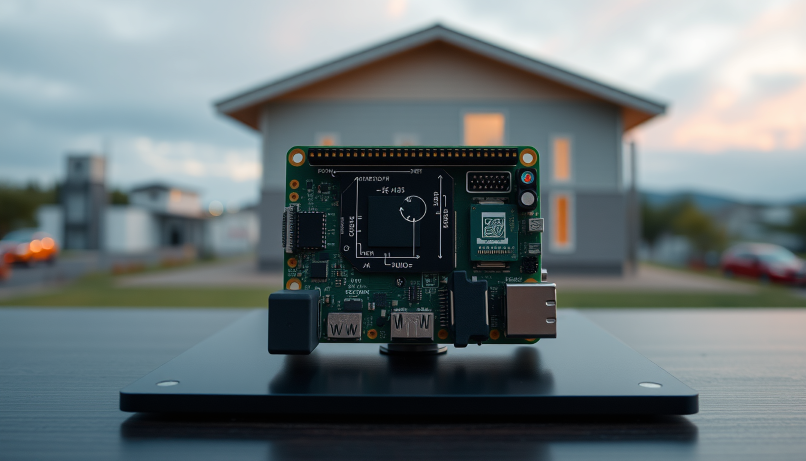
Build your own control hub to monitor and control all your DIY smart gadgets from one touchscreen dashboard.
🧰 What You Need:
- Raspberry Pi 4 (or Pi Zero 2 W for a lighter version)
- 7” Touchscreen display
- Node-RED or Home Assistant installed
- Wi-Fi connectivity
🔧 How It Works:
- All smart devices send data to the Pi dashboard via MQTT or HTTP.
- You get real-time control over lights, fans, sensors, and logs.
- Customize with themes, voice widgets, and analytics.
💡 Upgrade Ideas:
- Add graphs and history logs.
- Integrate with mobile access using Telegram or browser view.
Cost Estimate: $30–$40 (the most premium build in this list)
Skill Level: Advanced
Learning Outcome: IoT centralization, Node-RED flows, UI/UX design
Read more:
- Designing a High-Efficiency DC-DC Converter: Step-by-Step Guide
- Why STM32 is My First Choice for Advanced Embedded Systems
- Top 10 Essential Tools Every Embedded Engineer Should Have
- Step-by-Step Guide to Building an MPPT Controller with Arduino and a Synchronous Buck Converter
💭 Final Thoughts: Innovation Within Reach
The beauty of the smart home movement in 2025 is this: You don’t need a giant budget, just big ideas and a DIY mindset. With tools like Raspberry Pi, ESP8266/32, and open-source software, you can automate, personalize, and elevate your living space affordably and creatively.
Whether you’re building a security camera or a personalized dashboard, each project teaches you valuable hands-on skills while improving your home life. Start with the basics, keep iterating, and soon you’ll have a smart home tailored to your exact lifestyle—all without burning a hole in your wallet.
Liked this article? Subscribe to our newsletter:
or,
Visit LabProjectsBD.com for more inspiring projects and tutorials.
Thank you!



0 Comments