If you’re serious about embedded systems, the right tools don’t just make your work easier — they save hours of debugging and prevent costly mistakes.
After years of hands-on development, these are the tools that consistently prove their value in real-world projects.
I’ll share why it is very important to have all these tools and my work experience at the end of this article. But first, let’s check the very important tools.
Table of Contents
The top 10 tools:
1. Integrated Development Environment (IDE)
Think of an IDE as your digital workshop; it’s where you write, debug, and compile your code. A good IDE simplifies development by bringing all essential functions together in one platform.
Why It’s Essential: A powerful IDE offers features like syntax highlighting, real-time error detection, and debugging tools, which drastically reduce development time.
Popular Options:
- STM32CubeIDE: Fantastic for STM32 microcontroller projects.
- Keil MDK: A solid choice for ARM-based applications.
- PlatformIO: A versatile IDE supporting various microcontrollers like Arduino, ESP32, mikroC, and STM32.
Whether you’re a hobbyist or a pro, choosing the right IDE tailored to your microcontroller saves you hours of frustration. If you have the higher one, it’s better. But you can have the alternative ones too if those are out of budget. My personal best IDE is:
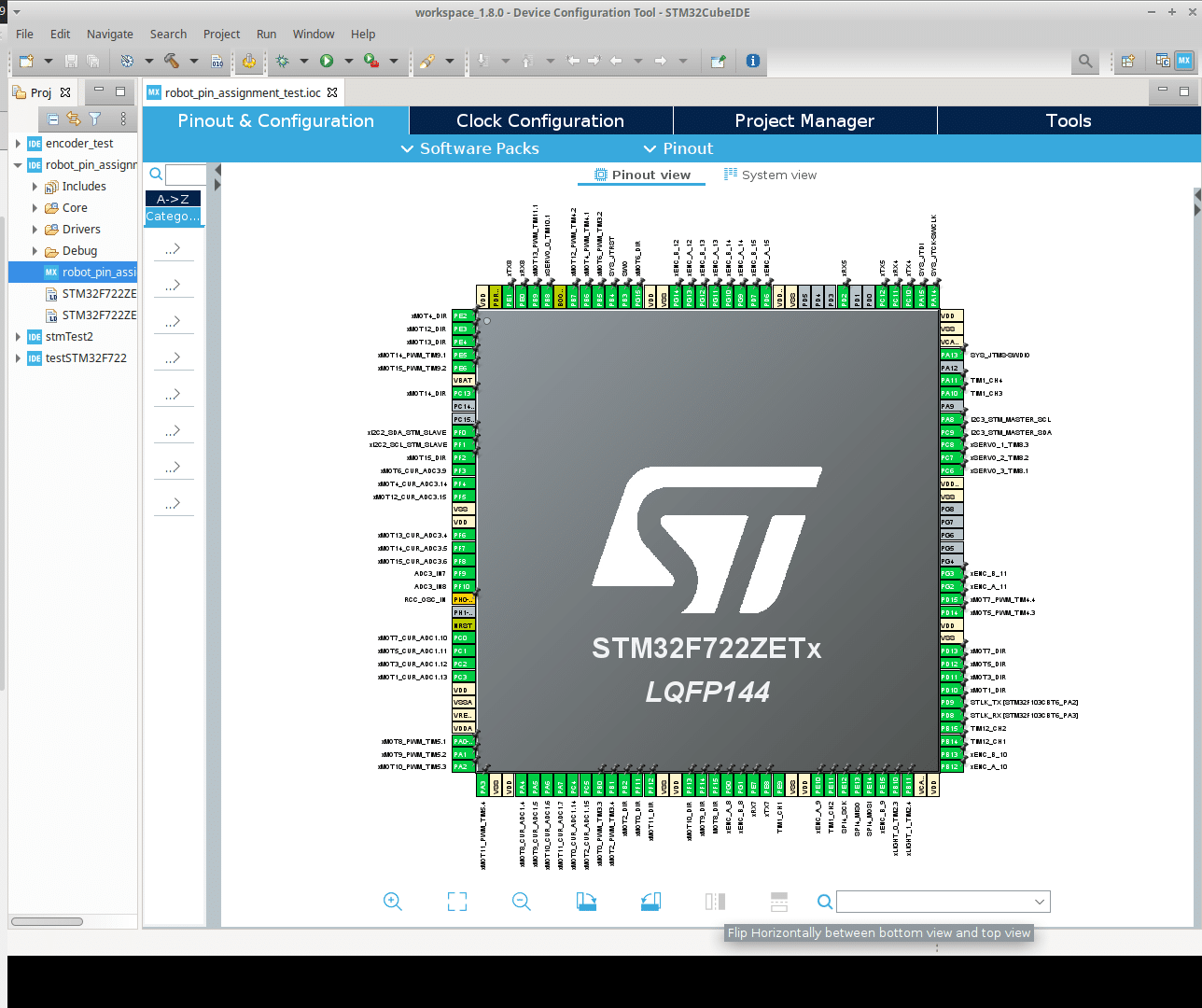
I use STM32CubeIDE the most; I also use Arduino IDE, mikroC Pro for PIC, and dsPIC.
2. Oscilloscope:
The next top tool is an Oscilloscope. An oscilloscope is your window into the world of signals. It lets you visualize and analyze voltage changes over time.
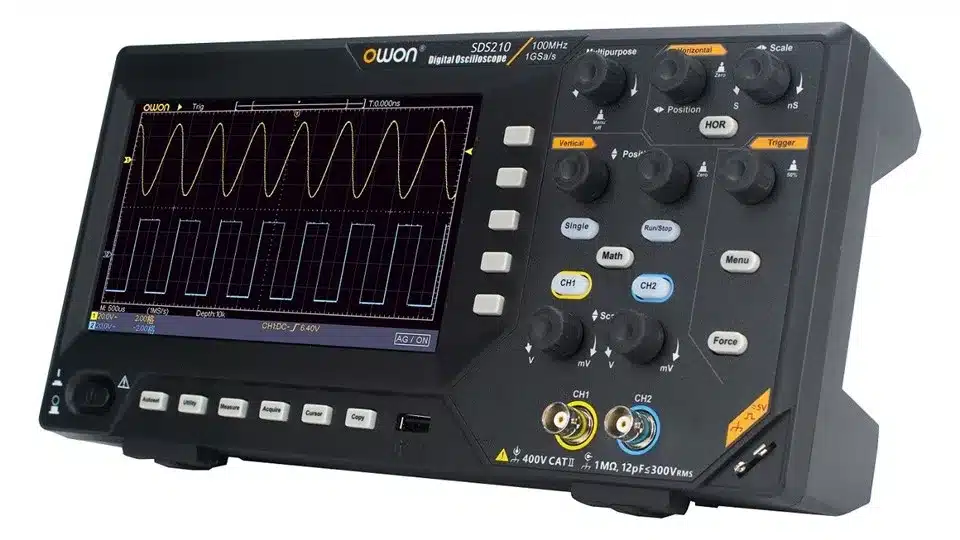
Why It’s Essential: When you’re dealing with analog or high-frequency digital signals, there’s no substitute for an oscilloscope. It helps you diagnose issues like noise, glitches, and incorrect waveforms.
3. Logic Analyzer:
A logic analyzer captures and visualizes digital signals in your system, making it easier to debug communication protocols.
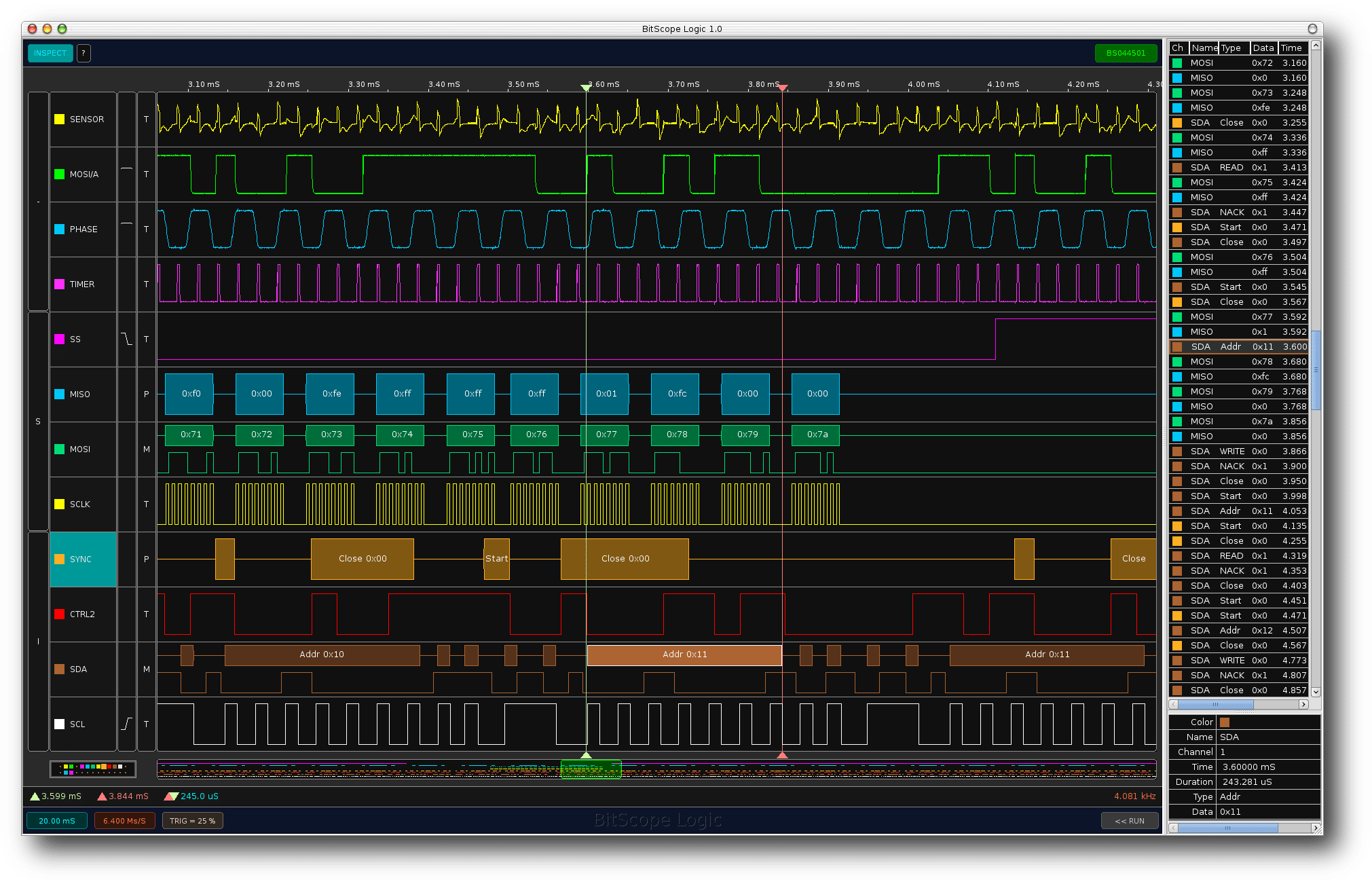
Why It’s Essential: If you’ve ever struggled to get SPI, I2C, or UART interfaces working correctly, you know how frustrating it can be. A logic analyzer decodes these signals and pinpoints issues quickly.
Popular Choices:
💰 Budget Option –> USB Logic Analyzer [<$25]
Affordable and perfect for beginners getting started with SPI, I2C, and UART debugging.
🔥 Check Latest Price on Amazon
💰 Want a cheaper option? → View on AliExpress
⭐ Recommended –> Saleae Compatible Logic Analyzer
Best balance of performance and price. Ideal for most embedded debugging tasks.
✔ Trusted platform | ✔ Fast delivery | ✔ Easy returns
⚡ Prices change frequently — check before it updates
🚀 Professional Option –> High-Speed Logic Analyzer
👉 View Professional Models on Amazon
4. Multimeter:
The humble multimeter is one of the most versatile tools for any engineer. There is no alternative to this buddy.
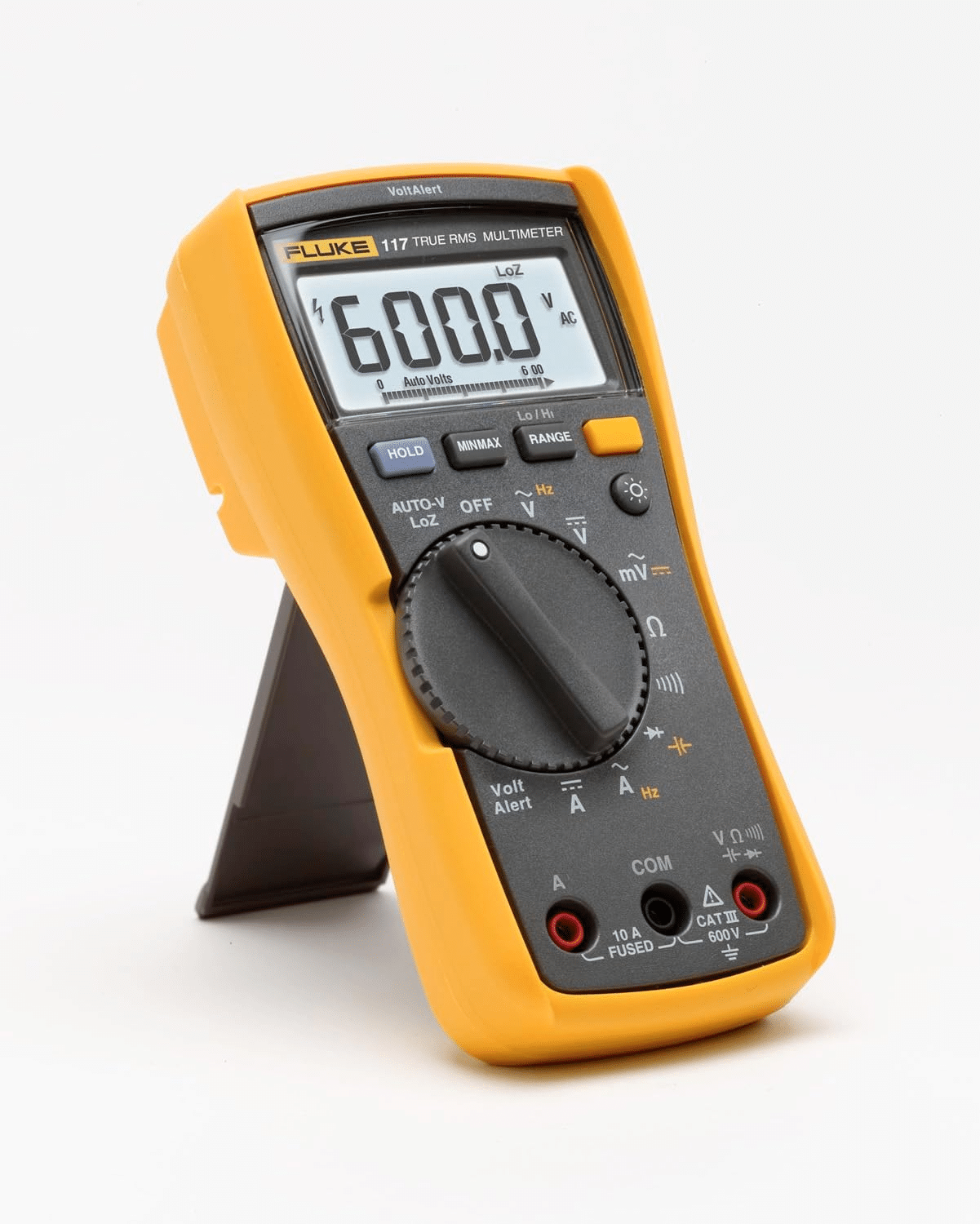
Why It’s Essential: You’ll use it constantly to measure voltage, current, and resistance. It’s invaluable for checking power rails, testing components, and troubleshooting connections.
Recommended Models:
I’ll recommend getting a Fluke 117 Digital Multimeter if you have a budget.
✔ Trusted platform | ✔ Fast delivery | ✔ Easy returns
You can even get a basic one like the CD800A if you’re on a low budget.
5. Power Supply Unit (PSU):
A stable and adjustable PSU is essential for testing and prototyping circuits.
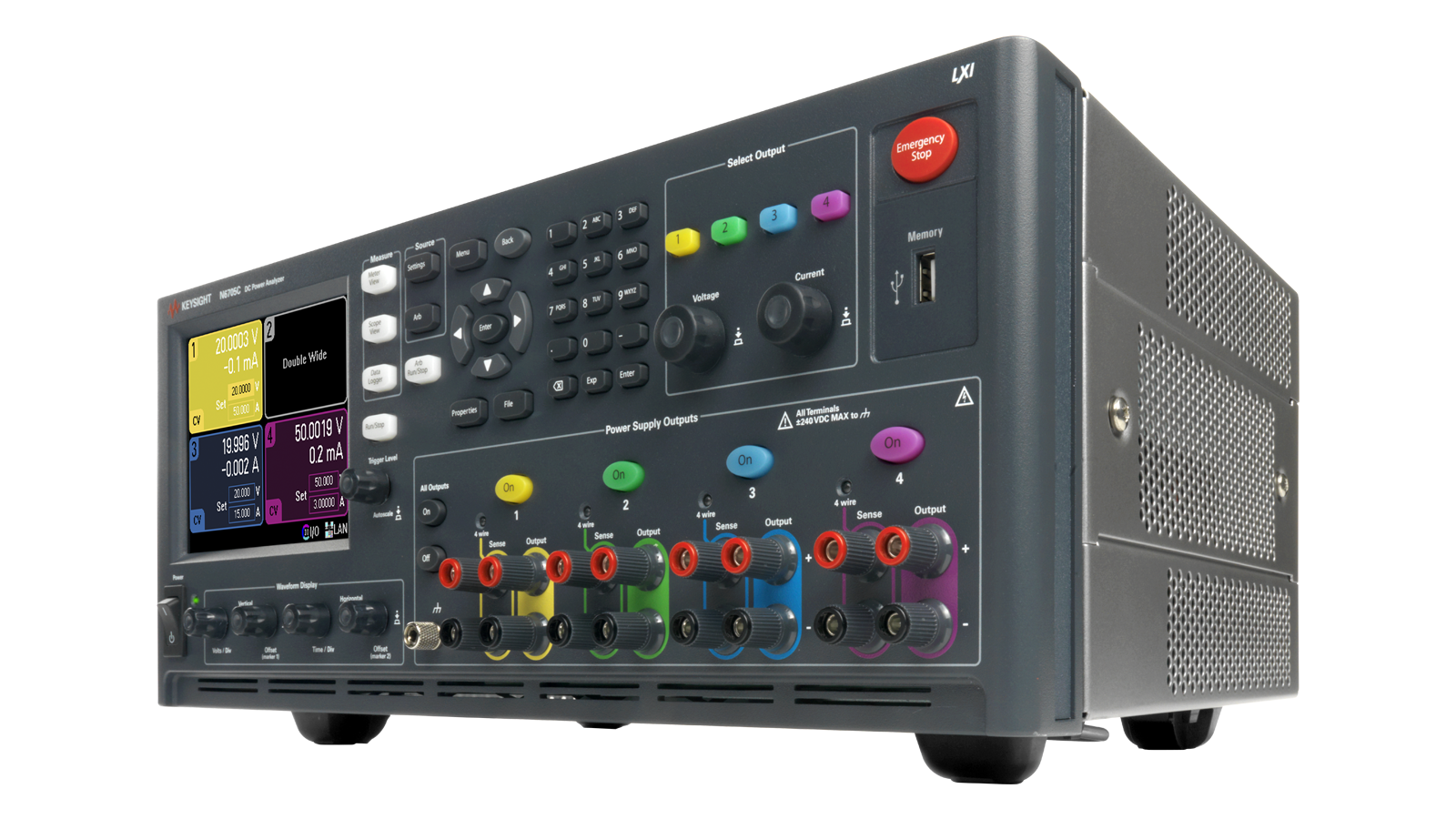
Why It’s Essential: Power supply issues can cause erratic behavior in your circuits. With a reliable PSU, you can safely simulate different operating conditions.
Here is my recommendation to get a good power supply. There are too many power supplies on the market. Here is one you can check
👉DC Regulated Bench Power Supply
Or you can get one of these, too:
BSIDE DC Laboratory Regulated Power Supply
A PSU with adjustable voltage and current limits protects your hardware during testing.
6. Debugger/Programmer:
A debugger lets you step through your code line by line, while a programmer writes firmware to your microcontroller.

Why It’s Essential: There’s nothing worse than staring at code and wondering why it doesn’t work. A debugger reveals exactly what’s happening during execution.
Recommendation:
If you work with STM, then ST-Link 👉 Get ST-Link V2. Or 👉 J-Link is also a good choice.
If you work with PIC and dsPIC, then PICKit2 👉 Get PICKit2.
You may have an alternative according to your MCU, as there is no universal one yet.
7. Soldering Station:
A reliable soldering station is a must-have for assembling and repairing PCBs.
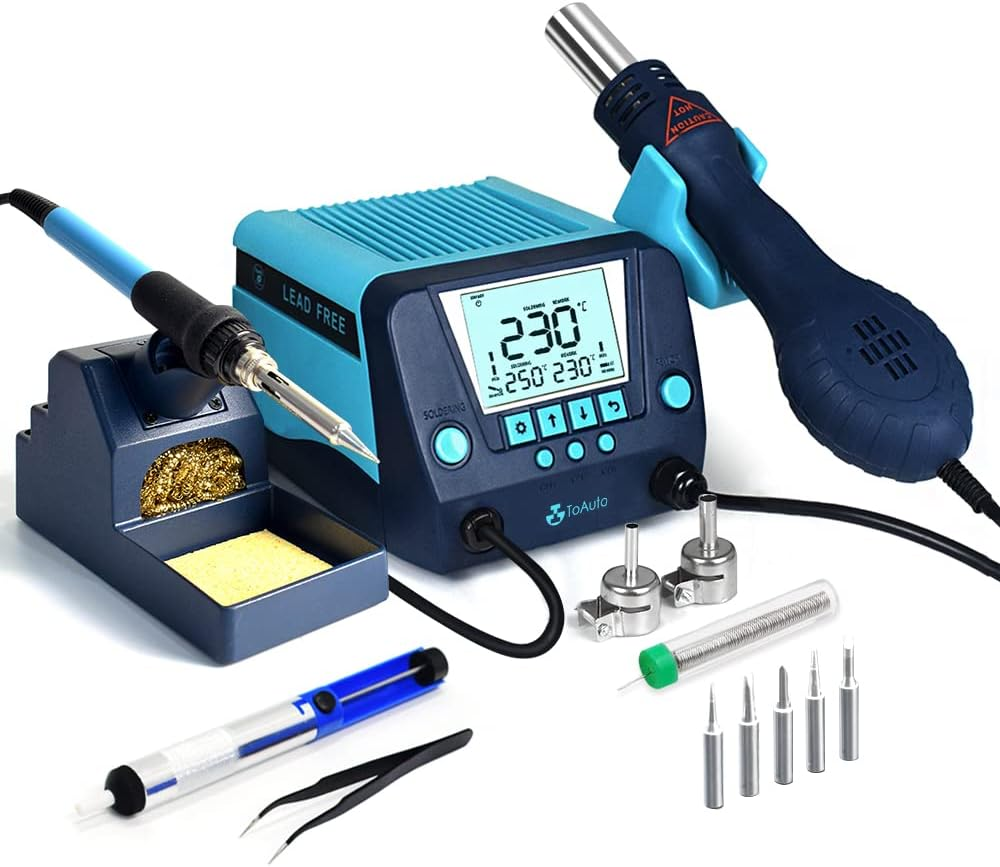
Why It’s Essential: Whether you’re building prototypes or fixing hardware issues, clean and precise soldering is crucial.
Recommended Models:
- AIFEN A9E Soldering Station. 👈 Best choice nowadays.
- YIHUA 926 III 60W Digital Display Soldering Iron Station Kit
Having a single soldering iron, a basic stand, and minimal accessories is perfectly fine—there’s no shame in starting small or using non-branded tools. However, investing in a high-quality soldering setup is highly recommended. This is one of the most frequently used tools in electronics work, and a reliable, well-equipped set can significantly enhance your efficiency and craftsmanship.
8. PCB Design Software:
Creating custom PCBs is a core skill for embedded engineers.
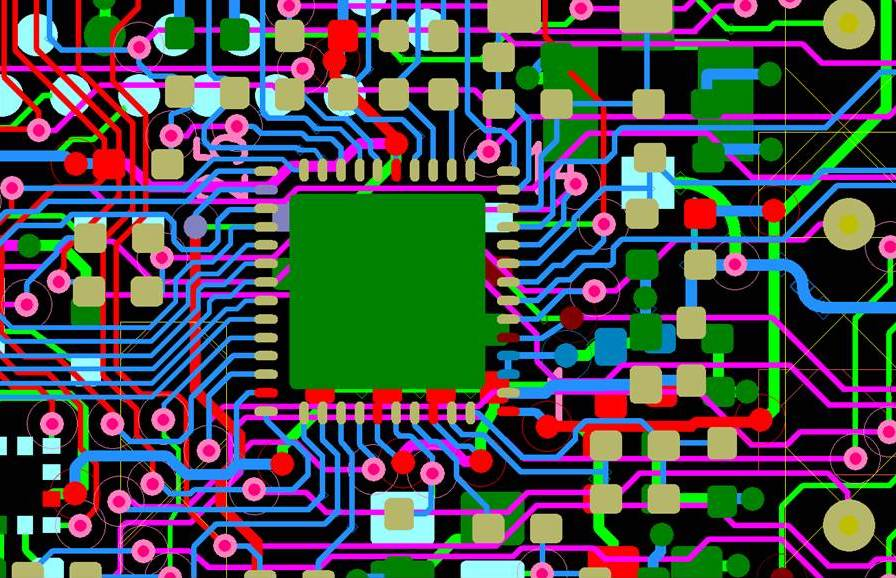
Why It’s Essential: Good PCB design software lets you lay out efficient, compact, and manufacturable circuit boards.
Popular Choices:
- Altium Designer: Industry standard with advanced features.
- KiCAD: Open-source and highly capable.
- Eagle: A popular choice for hobbyists and professionals.
There are plenty of choices in this. I have a guide on this for you that you can read: PCB Design Software.
9. Passive components:
Passive components such as resistors, capacitors, inductors, etc. You will need a lot of variety of these. But it is not possible to get them all. So you can get the max you can arrange and store.
Why It’s Essential: Whether you’re working with any circuit in real life, you need these devices. But it is not always possible to make the PCBA better, so you keep some on hand.
Popular Choices:
- Resistors: All standard values, DIL, SMD:0603,0805,1206 packages. 0.025W to 2W
- Capacitors: [Non-polar]10nF,100nF, 1uF, 10uF & Polar: 0.1uF to 4700uF these you should gather.
- Inductors: 10uH, 100uH, 330uH; these are common. No need to gather many, just keep some common ones.
Tips: You should not get all of the variety at once. While getting some specific ones, just get some of that to keep.
10. Embedded Development Board
These boards are perfect for prototyping IoT and edge computing applications.
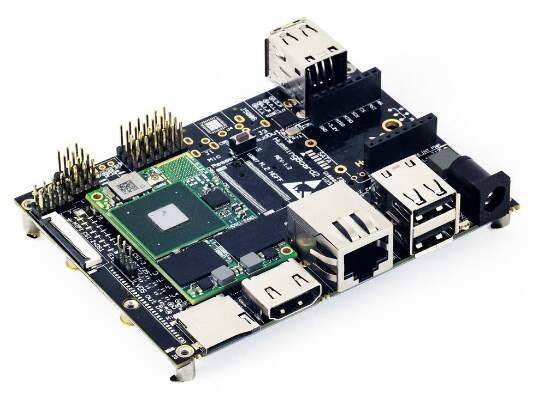
Why It’s Essential: Many modern projects require embedded Linux expertise. These boards let you experiment and learn without expensive hardware.
Recommended Boards:
- Raspberry Pi: Versatile and widely supported.
- BeagleBone Black: Great for industrial applications.
- NVIDIA Jetson Nano: Ideal for AI and machine learning.
- STM32 Nucleo Boards, STM32 Blue Pill Boards, STM32F4 Discovery Board.
Besides these, you can collect some Arduino boards, ESP32 or NodeMCU boards, and PIC/dsPIC microcontrollers.
Why it is important to have the top 10 tools:
I’ve been working with electronics since 2000. In the early days, I faced countless challenges, starting with something as simple yet essential as getting a multimeter, which wasn’t even available in the local market I was living in at that time. With nothing more than a basic tester and a soldering iron, I managed to push forward by saving every penny from my tiffin budget, often skipping lunch for months.
Despite those hardships, I kept going, slowly building up my lab and gathering all the necessary tools one by one. Looking back now, I realize just how difficult it was to test even a simple circuit or complete a small project. But those struggles laid the foundation for everything I’ve achieved today, turning my passion into a fully equipped electronics lab and a lifetime of learning.
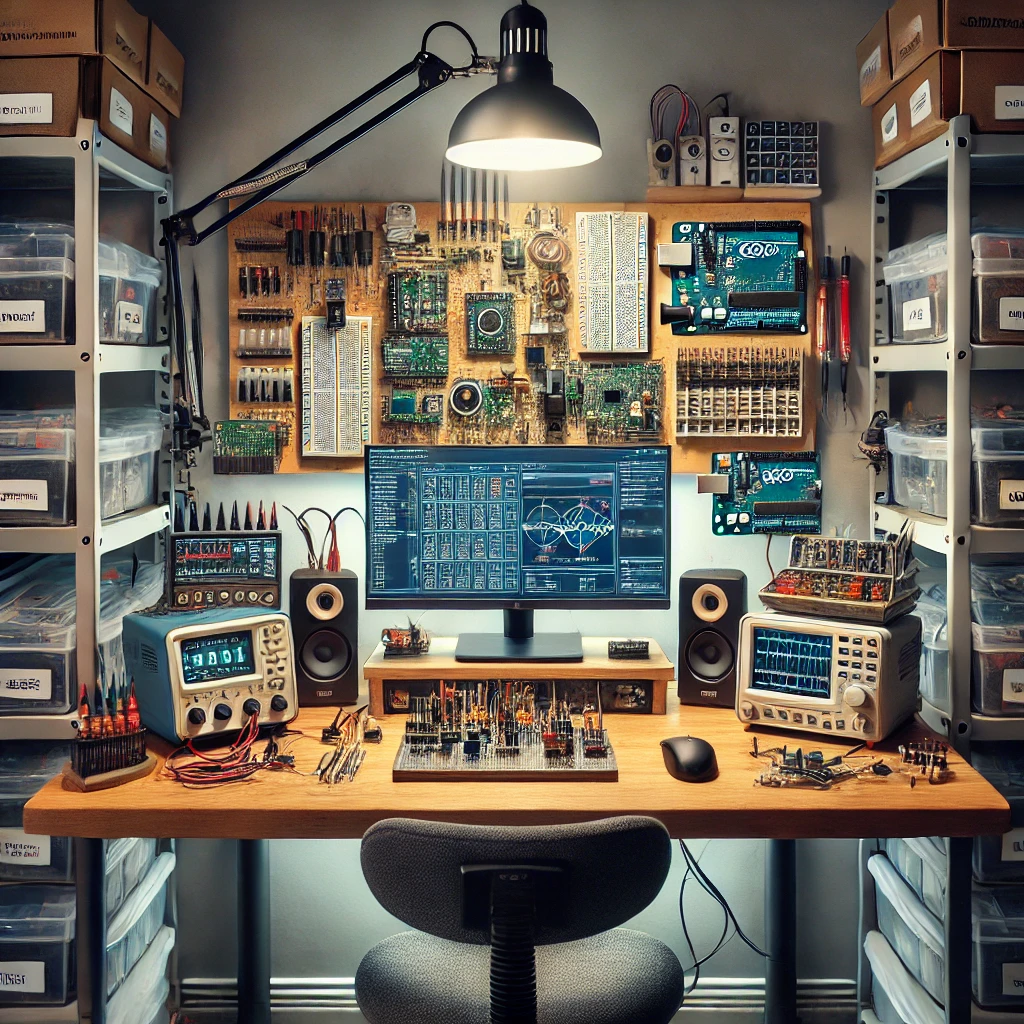
Imagine having a desk where every essential tool is right at your fingertips. How amazing would that be? No more searching or wasting time, just pure focus on creating and building. Everything you need is within arm’s reach, ready when you are. Doesn’t that sound exciting? It’s incredibly satisfying and motivating to work in such a well-organized space, where productivity flows effortlessly, and every project becomes a joyful experience.
Conclusion:
Having the right tools can transform your experience as an embedded engineer. These essential tools will help you work smarter and faster, from writing firmware to debugging hardware. If you’re building out your lab, start with these basics; they’ll serve you well throughout your career.
What are your favorite tools for embedded systems development? Let me know in the comments!
Liked this article? Subscribe to our newsletter:
or,
Visit LabProjectsBD.com for more inspiring projects and tutorials.
Thank you!
You may be interested in reading more:
- Step-by-Step Guide to Building an MPPT Controller with Arduino and a Synchronous Buck Converter
- Building a CAN Bus Simulator with MCP2515 and Arduino
- Building an IoT Weather Station with NodeMCU v3.0 and DHT11 Sensor



0 Comments